 Cardmorph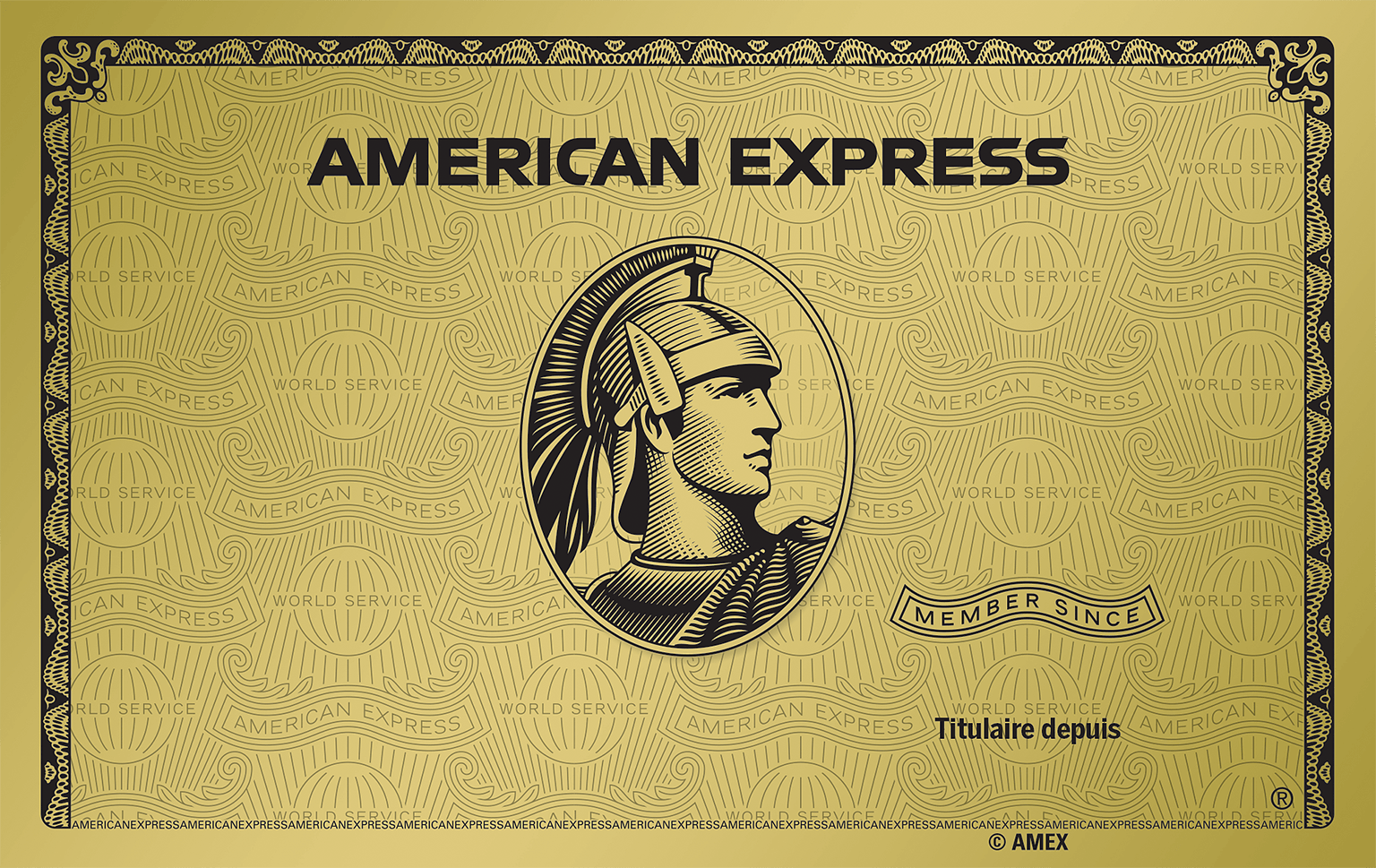
DIGITAL WALLET SKINS
Your Wallet, your way.
Preview the original collection artwork and choose a design for your existing Wallet customization service.
€49.99 per card
Explore designs Explore our card skin collection or personalise your card with your own design.

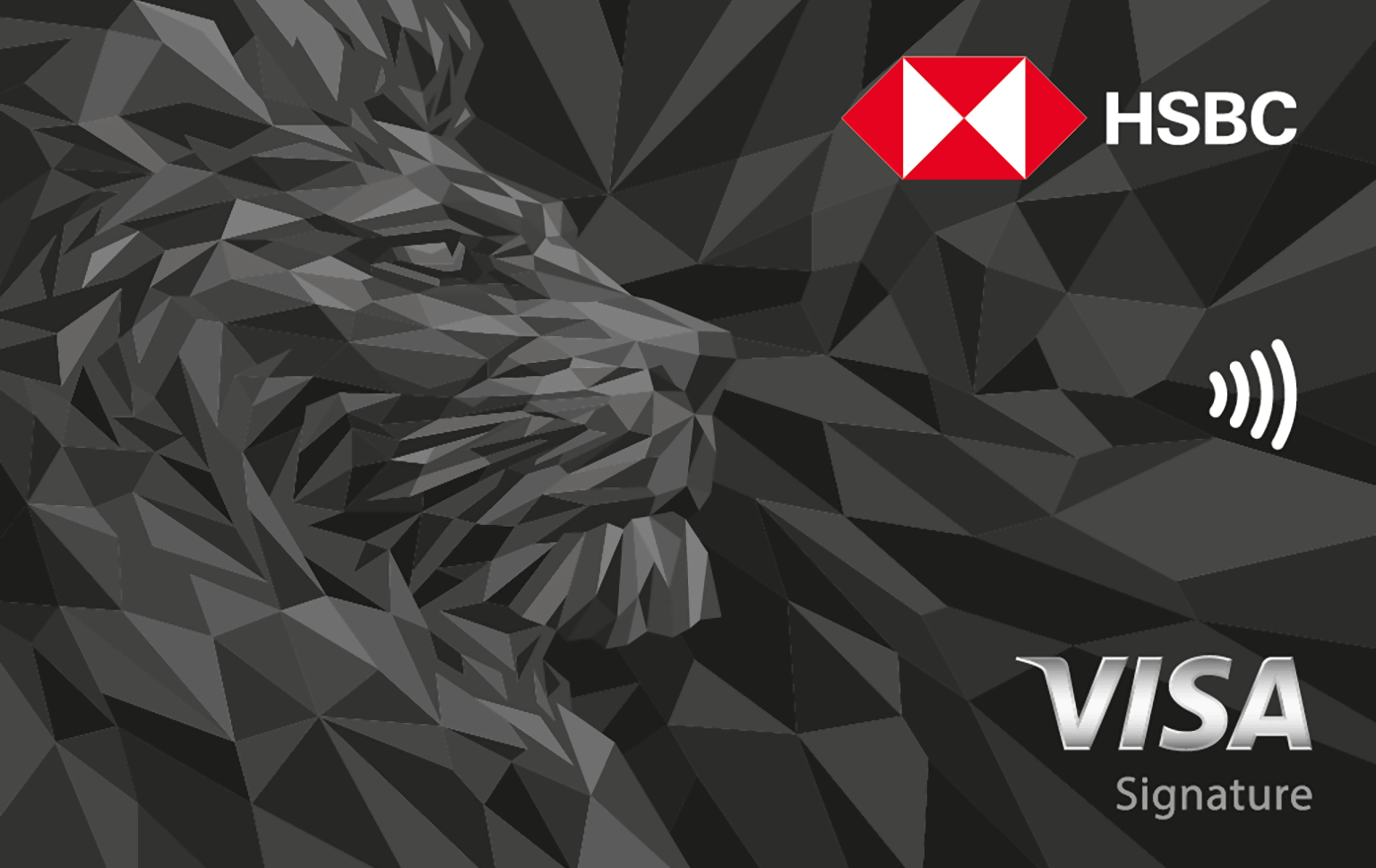
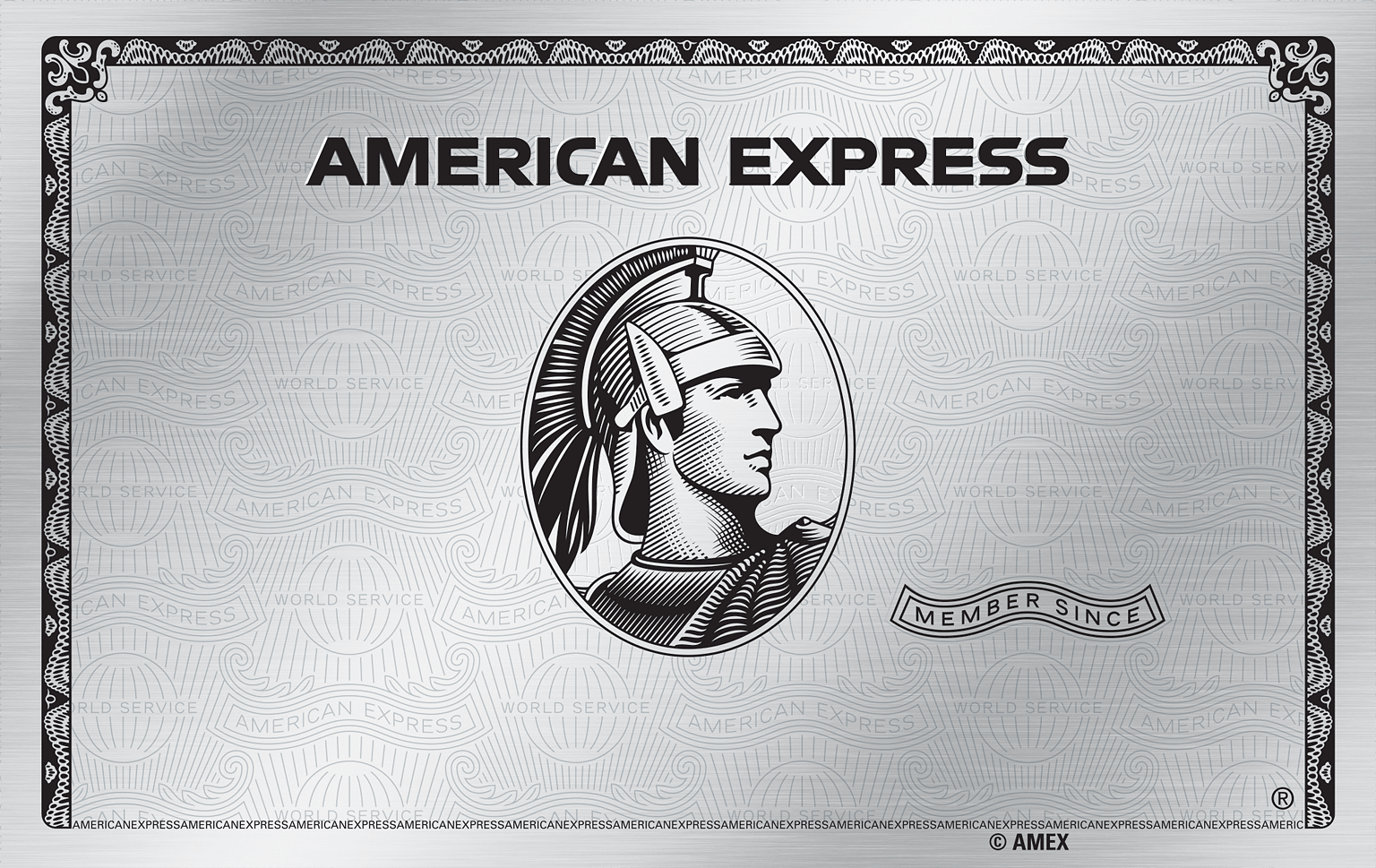
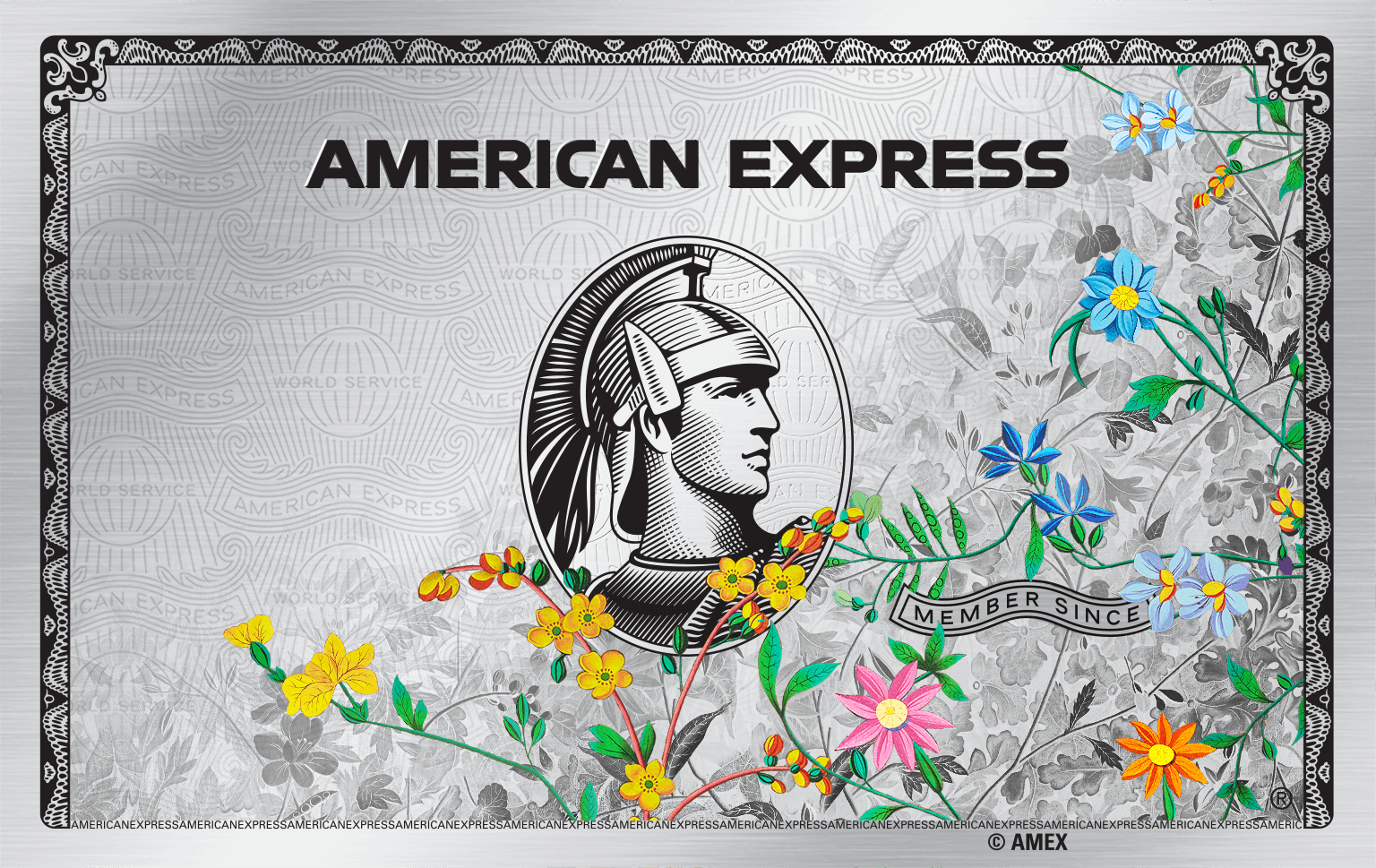
Your card, your design
Amex Gold · Wallet preview
Interactive illustration of Apple Wallet
Selected design: Amex Gold
Explore the CardMorph products available today and the next ideas in development.
Preview the original collection artwork and choose a design for your existing Wallet customization service.
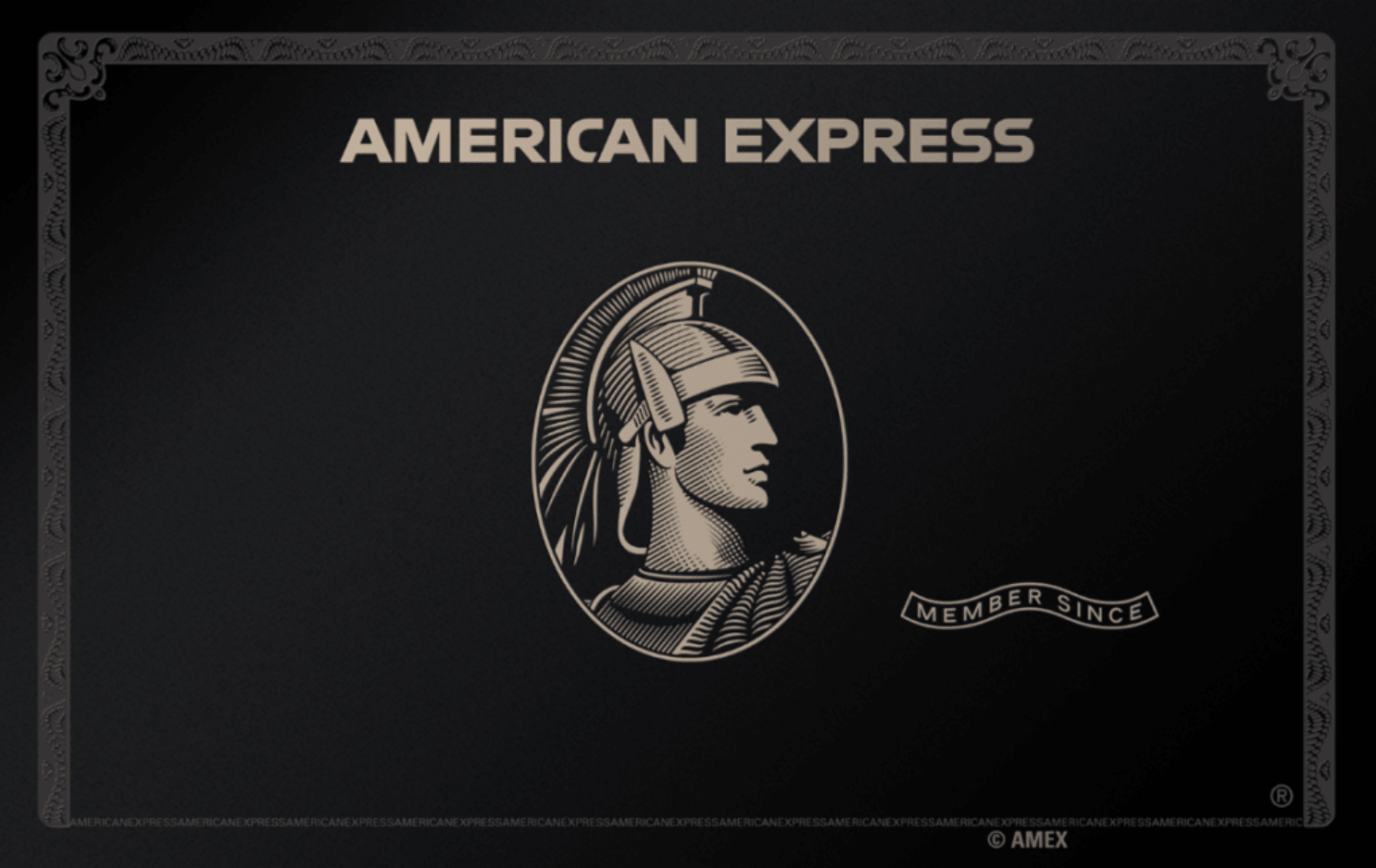
Choose from the existing artwork collection, select a finish, and pay securely with delivery details.
Personal NFC business cards are being prepared.
Coming soonNFC and QR review stands are in development.
Coming soonPersonal digital profile pages and contact sharing are being explored.
Coming soonBranded membership and loyalty passes need official issuer setup.
Coming soonNo more restrictions on your style. Explore custom artwork and see your design in Wallet before you order.
The look you love in Wallet, made for the card you carry. Explore all 34 designs as physical skins to apply to your own card.
Shipping is shown in checkout; fit is confirmed before production.
PHYSICAL SKINSGo beyond the standard Wallet look with classic, expressive, and understated card artwork. Compatibility is checked before preparation.
Upload artwork you own or are authorized to use for a truly personal look.
Keep your original look within reach with the guided backup and recovery workflow.
Select from the gallery or submit your own artwork.
Enter your details and complete your one-time purchase in Stripe Checkout.
Follow the agreed Mac-assisted setup to attempt the artwork change on a compatible device.
One-time service for customizing the appearance of a single eligible Apple Wallet card. No recurring subscription.
Pay once per card. Each additional card requires a separate order.
Pay securely at checkout. We check compatibility before preparing your design.
No. This service concerns artwork appearance only. It does not issue a card, change card credentials, unlock benefits, or alter your bank account.
Yes. You can submit an image you own or have permission to use. Compatibility and suitability are checked before fulfillment.
Compatibility depends on the iPhone system version and the available pairing method. Use this guide to provide the details we need before checkout; it is an upstream compatibility reference, not a guarantee that a modification will work.
| iPhone system | macOS / Windows app | iPhone app pairing |
|---|---|---|
| iOS 18.0–26.x | Supported upstream | Import a pairing file |
| iOS 27.0–27.0.1 | Supported upstream | Import a file or pair on this iPhone |
| iOS 27.2 beta 1–2 | Supported upstream | Import a file or pair on this iPhone |
| iOS 27.2 beta 3+ | Flashing unavailable | Neither pairing method enables flashing |
The iOS 27.2 beta 3+ path is unavailable. Cardmorph checks device and card compatibility before preparation.
No. Cardmorph is an independent customization service. Brand-inspired artwork is illustrative and does not imply endorsement.
Choose a design and pay securely through Stripe Checkout. We check compatibility before preparing your customization and contact you if we need anything else.